Map Brisbane ANEF Overlay to Your Address with Baseline Model
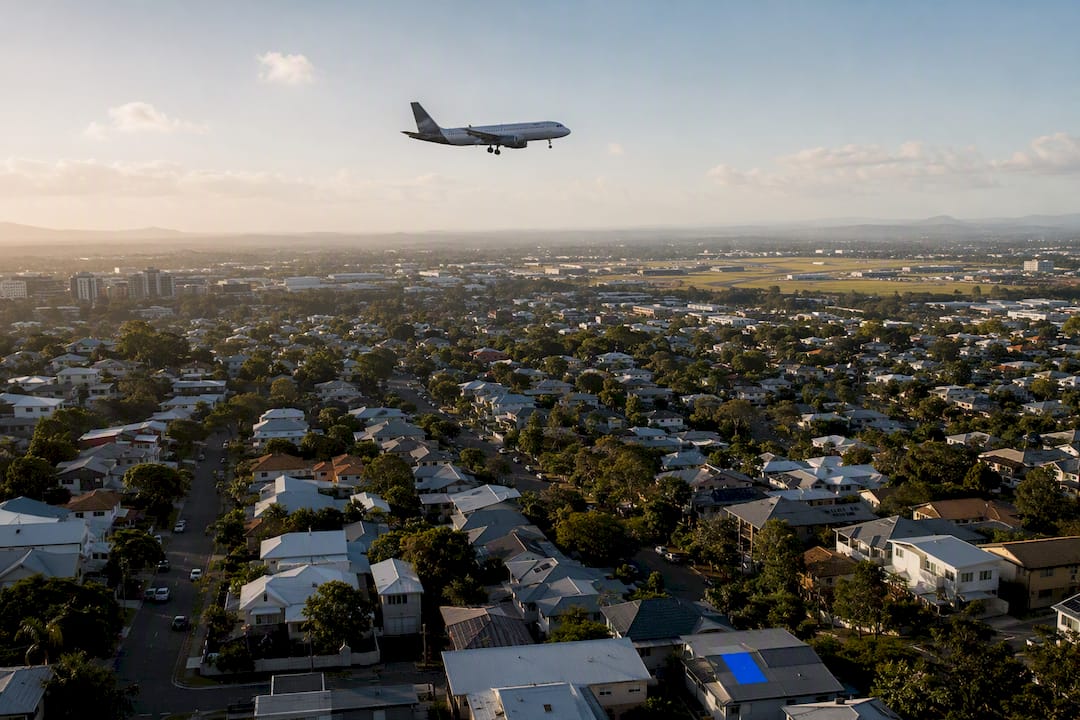
If you want a straight answer on aircraft noise near your property, check three official sources: the Brisbane City Plan 2014 Airport Environs Overlay for ANEF contours, Airservices’ Brisbane Baseline Model for modelled noise and flight paths, and WebTrak for real recent flight activity. Start by entering your address into the Baseline Model or Aircraft in Your Neighbourhood tool. That single search shows you where you sit against planning contours and what’s actually flown overhead lately.
TL;DR:
- Most properties inside ANEF 25–30 currently are not noisy but are forecasted to reach these exposure levels by 2060 under long-term planning contours.
- Flight path tools like WebTrak provide real-time and recent historical flight data, revealing aircraft types, altitude, and flight times over your area.
- Package 3 proposes allowing aircraft to land and take off in opposite directions simultaneously, which may shift noise exposure among suburbs over time.
- Noise monitor reports detail actual event loudness using N70 and LAmax metrics, but these do not directly indicate long-term cumulative exposure.
- Households can document real noise events with screenshots and flight data, but complaints usually influence future planning rather than immediate flight path changes.
Table of Contents
- What is the airport environs overlay and how do you read ANEF bands?
- How do you check flight paths and noise for your exact address?
- What is Noise Action Plan Package 3 and what does it change?
- How do you read Brisbane’s noise monitor data?
- Who handles complaints, and what can they actually fix?
- What can you actually do about it starting today?
- How do noise overlays affect property value and planning?
- Key official maps, tools and reports to bookmark
- Sources
What is the airport environs overlay and how do you read ANEF bands?
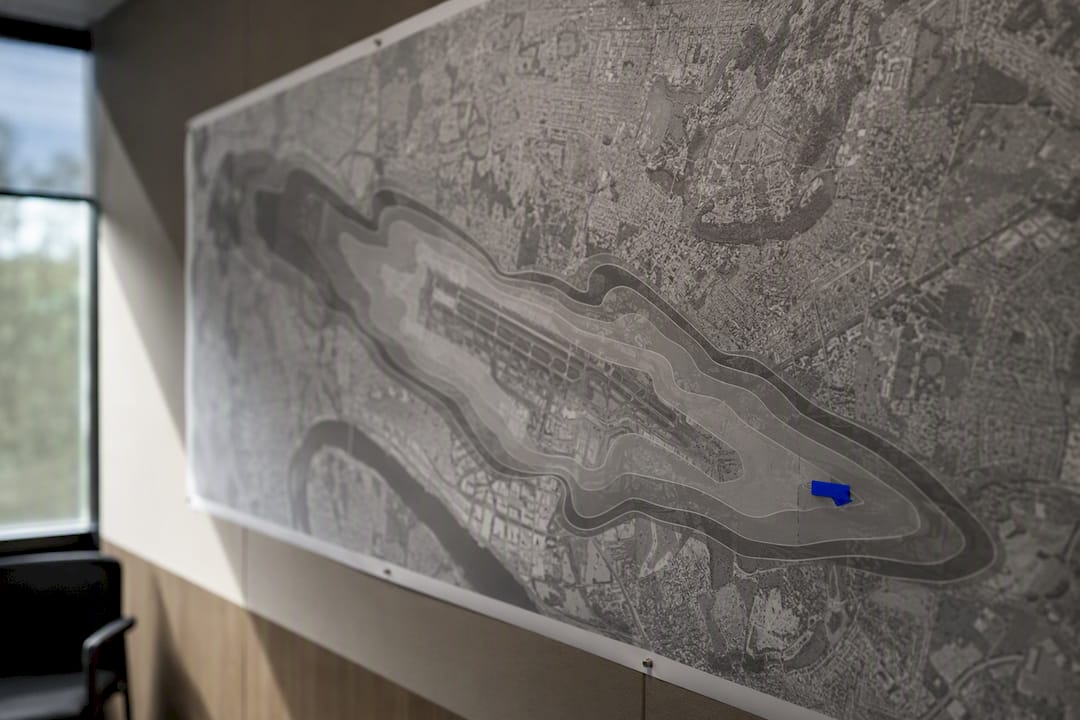
The Airport Environs Overlay in Brisbane City Plan 2014 is built on ANEF contours, a planning tool that measures cumulative aircraft noise exposure rather than day-to-day sound. It’s not a noise forecast for next Tuesday. It’s a long-range planning boundary that councils use to decide what can be built where.
Brisbane’s overlay uses five contour bands, each reflecting a rising level of cumulative exposure:
- ANEF 20–25
- ANEF 25–30
- ANEF 30–35
- ANEF 35–40
- ANEF 40–45
These bands come from an Ultimate Capacity ANEF forecast set to the year 2060, meaning the contours already account for growth in flight volumes decades from now, not just today’s traffic. That’s a critical point residents often miss: a property sitting inside ANEF 25–30 today isn’t necessarily noisy right now, it’s inside a zone planners expect could reach that exposure level under long-term forecasts.
ANEF exists to guide development approvals, building standards, and land-use zoning. It was never designed to tell you whether a jet will rattle your windows this afternoon. For that, you need the operational tools covered next, plus companion materials like N70 drawings that airports produce specifically to bridge the gap between long-term planning contours and everyday noise experience.
How do you check flight paths and noise for your exact address?
Two Airservices tools do the heavy lifting here, and they serve different purposes.
The Brisbane Baseline Model lets you type in an address and pull up modelled noise data and flight path history for 2019, 2022, 2023 and 2024. You can compare those years side by side, which is genuinely useful if you’re trying to work out whether traffic over your street has shifted since a runway change or a Noise Action Plan phase kicked in. It also shows usage patterns and altitude bands, so you get a sense of how high aircraft are actually flying when they pass over.
The companion tool, Aircraft in Your Neighbourhood, narrows that same data down to a localised view, while WebTrak gives you something different again: near real-time tracking and historical replay of actual civilian flights, including flight ID, aircraft type and altitude, cross-referenced against fixed noise monitors.
Here’s a simple checklist for pulling useful data on your own address:
- Open the Baseline Model and enter your address or suburb.
- Select the year layers you want to compare (2019 through 2024).
- Cross-check altitude and modelled noise for your specific location.
- Switch to WebTrak and replay the last few days of traffic over your area.
- Note flight IDs, times and aircraft types for any events that stood out.
- Screenshot the replay if you’re planning to lodge a complaint later.
Pro Tip: Do this on a desktop or laptop rather than your phone. Both tools are built for larger screens, and toggling between year layers or replaying WebTrak footage is far more reliable when you’re not pinching and zooming on a small display.
What is Noise Action Plan Package 3 and what does it change?
Airservices’ Noise Action Plan for Brisbane, known as Package 3, is the current round of proposed changes aimed at easing concentrated noise over the suburbs copping the heaviest overflight load. It’s gone through multiple engagement phases, moving from broad community consultation towards a set of preferred options that are now closer to implementation.
The centrepiece is a concept called SODPROPS, short for Simultaneous Opposite Direction Parallel Runway Operations. In plain terms, it allows aircraft to land and take off in opposite directions on Brisbane’s parallel runways at the same time, under specific wind and traffic conditions, rather than always operating in the same direction together.
What does that mean for you on the ground?
- Some suburbs that currently cop a heavy concentration of overflights may see reduced frequency.
- Other areas, previously spared, may pick up more traffic under a “noise-sharing” model.
- The changes roll out in phases, so shifts in your local traffic pattern may take time to appear.
- No single household gets a guarantee of less noise. Package 3 redistributes exposure across the network rather than eliminating it.
If your area has felt unusually busy lately, checking whether it falls inside a Package 3 change zone is worth ten minutes on the Baseline Model.
How do you read Brisbane’s noise monitor data?
Two separate monitoring networks operate around Brisbane. Airservices runs fixed noise monitors feeding into WebTrak, while Brisbane Airport Corporation runs its own additional permanent monitors plus a roving unit that gets deployed to specific suburbs on request.
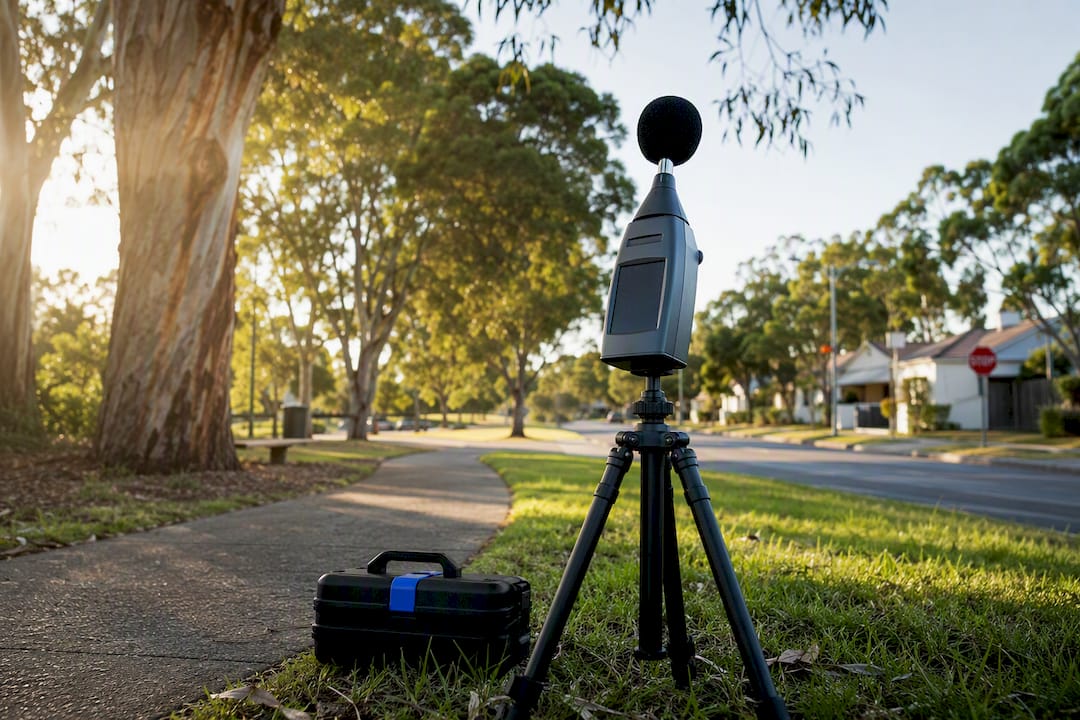
Statistic worth knowing: since August 2024, Brisbane Airport has used Casper Noise as its independent monitoring platform, publishing short-term reports after each roving monitor deployment. That gives residents a documented, third-party record rather than relying on memory or a single noisy afternoon.
Two metrics show up constantly in these reports, and they’re often confused:
- N70 counts events predicted or measured to exceed 70 decibels, a threshold used to describe how often noticeable noise events occur over a period.
- LAmax is the maximum sound level recorded for a single event, essentially how loud one specific flyover got at its peak.
Neither metric is the same as an ANEF band. ANEF describes cumulative long-term exposure across a planning horizon; N70 and LAmax describe what actually happened, event by event, on the ground. When you read a short-term monitoring report, look for the calibration notes. These explain how the monitor confirmed a recorded spike was genuinely an aircraft passing overhead rather than a lawnmower or a passing truck.
Who handles complaints, and what can they actually fix?
Aircraft noise complaints in Brisbane follow a specific chain, and knowing it saves you a lot of frustration.
- Lodge your complaint through Airservices’ Noise Complaints and Information Service (NCIS), using their online form, WebTrak evidence, phone, or written correspondence.
- If you’re not satisfied with how Airservices handled that complaint, request an independent review from the Aircraft Noise Ombudsman, whose remit covers the process Airservices followed, not the flight paths themselves.
- For planning and development questions tied to ANEF overlays, such as whether a proposed build near your street complies with noise-related zoning, take that query to Brisbane City Council’s planning department instead.
It’s worth being realistic here: Airservices doesn’t hold unilateral power to redraw flight paths on request. Complaints get logged, tracked and can feed into future reviews like Package 3, but a single complaint rarely produces an immediate operational change.
What can you actually do about it starting today?
Evidence beats frustration when you’re dealing with noise concerns, and building a solid record takes less effort than most people expect.
- Run your address through the Baseline Model and Aircraft in Your Neighbourhood to establish your baseline exposure.
- Replay WebTrak for several recent days and note flight IDs, times and aircraft types for standout events.
- Screenshot everything. Timestamps and flight numbers matter far more than general impressions when you’re lodging a complaint.
- If your street hasn’t had a monitor nearby, ask Brisbane Airport whether a roving monitor deployment is possible for your area.
- Review the resulting short-term report once it’s published, and keep a copy.
Pro Tip: If ongoing noise is a genuine issue for your household, insulation upgrades and building assessments are worth a chat with an acoustic specialist before you assume the only fix is moving. A qualified planning adviser can also tell you whether your property sits inside a zone likely to see changes under future Noise Action Plan phases.
How do noise overlays affect property value and planning?
ANEF contours don’t just affect what you hear. They shape what councils will approve nearby, which directly influences future development density, building standards and the pool of buyers willing to purchase in a given contour band. Properties inside higher ANEF bands can face tighter construction requirements and a narrower buyer pool, both of which show up in eventual resale value.
If you’re weighing up a purchase or comparing suburbs, checking the overlay before you check the auction result order is smart due diligence, and it ties directly into broader questions about supply and demand in local property markets. Rate movements add another layer worth understanding alongside noise exposure, and AlphaIQ’s breakdown of RBA rate impacts on investment returns is a useful companion read for investors weighing multiple risk factors at once. Wealthstacker’s on-demand valuation modelling is built to factor in exactly this kind of local hazard overlay when forecasting long-term value.

Key official maps, tools and reports to bookmark
For address-level checks, bookmark the Baseline Model, Aircraft in Your Neighbourhood and WebTrak. For background policy and planning context, keep the Brisbane City Plan ANEF dataset, Brisbane Airport’s noise monitor pages, the Noise Action Plan engagement site and the Aircraft Noise Ombudsman handy.
Before you commit to a property in any of these contour bands, run the numbers properly. Wealthstacker’s investment toolkit gives you free quarterly valuations, portfolio tracking and 15-year modelling that factors in exactly the kind of local risk overlays covered here, whether you’re comparing rentvesting against buying or just want a clearer read on where a noisy suburb sits in your borrowing power and long-term wealth plan.
Sources
- cp14-airport-environs-overlay-Australian-Noise-Exposure-Forecast (ANEF) — Queensland Government data
- Brisbane Baseline Model FAQs — Engage Airservices
- WebTrak — Airservices Australia
- Noise monitors — Brisbane Airport
- Aircraft noise — Aviation complaints (Aircraft Noise Ombudsman)